Events
Events is a product for multilingual translation of offline events. It supports multiple stages (input channels) and converts speakers’ live speech into real-time translated audio and captions for both in-person and online attendees.
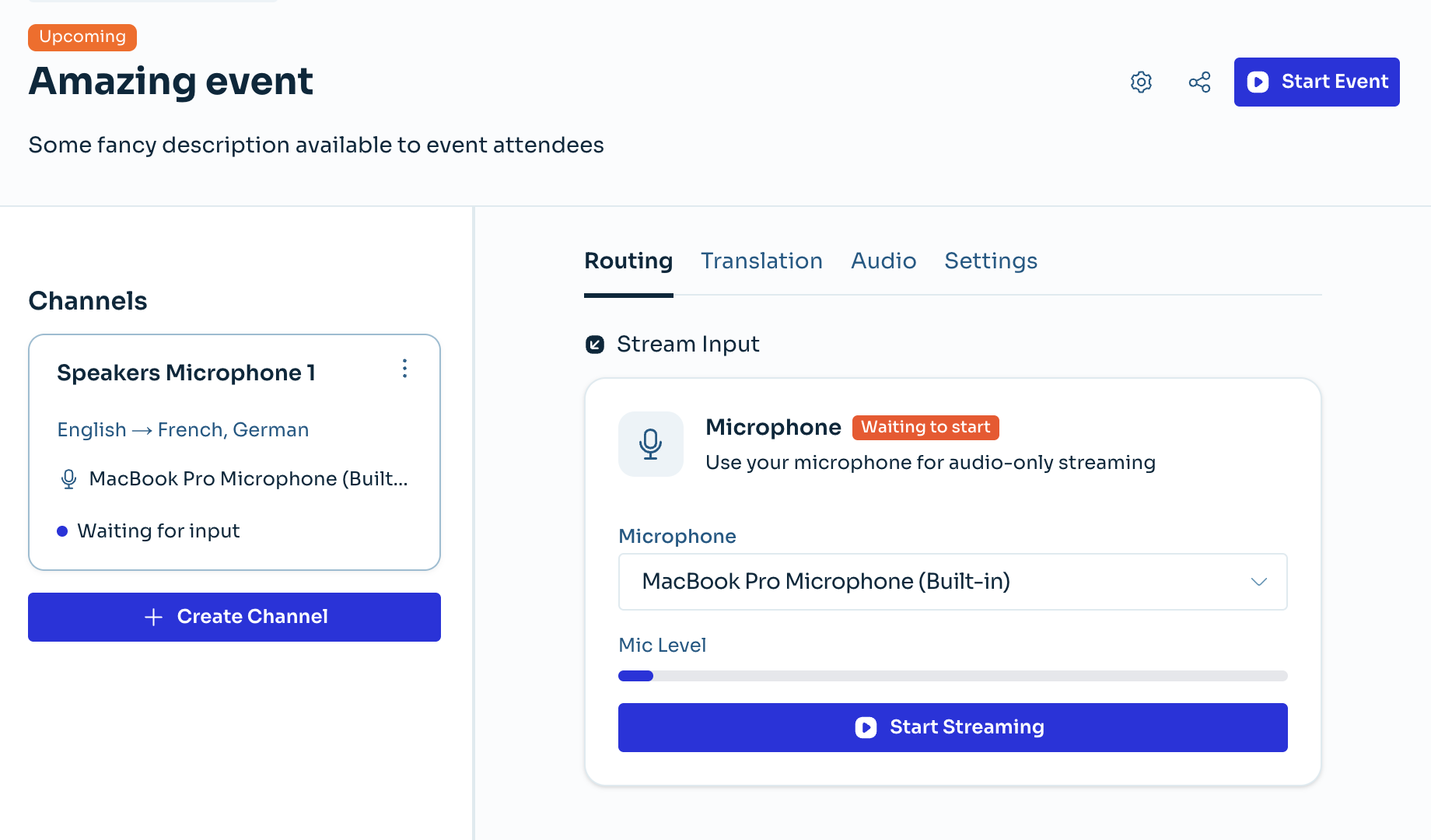
How it works
The detailed guides in the next section provide instructions for each step and action. At a high level, the Events product works as follows:
- Log in to your Palabra account.
- Create an Event and set its title, date and other general information.
- Create one or more Channels within the Event. You can think of Channels as stages (or speakers, if each speaker uses a different language).
- Set the input language and output languages for each Channel.
- Configure the correct audio device (microphone) for each Channel.
- Start the translation for the Channel.
- Share the Listener Page link or QR code with your audience.
- In-person attendees open the Listener Page on their smartphones to read real-time captions, or wear headphones to listen to real-time translation in their chosen language.
- Online attendees can also visit the Listener Page to read and listen to both original and translated captions and audio.